The Ascension update
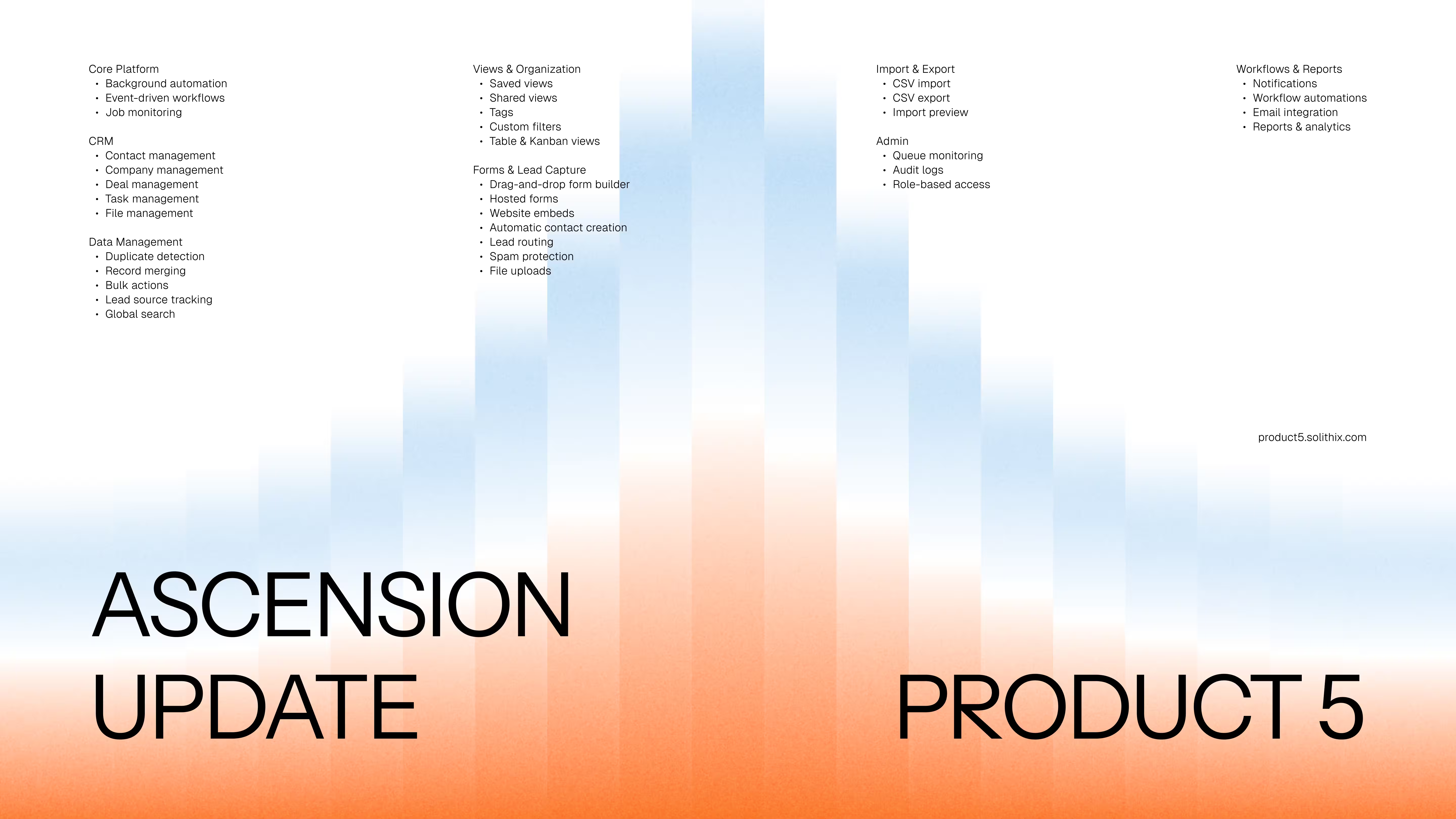
For most of its life, Product 5 could hold a contact and show it back to you. That is a reasonable place to start and a terrible place to stop. A CRM that only stores things asks its users to supply all of the diligence — remember the follow-up, notice the duplicate, copy the form submission across before it goes cold — and then takes the credit when they do.
Ascension is the release where that stops being true. Thirty-five capabilities across the eight areas below, and the argument for why they shipped together.
Work that happens while you are not looking
Everything below rests on the ability to do work nobody is waiting on. Ascension adds a worker process pulling jobs off a durable queue in Postgres, so a fifty-thousand-row import no longer has to fit inside a request timeout and a notification still arrives after you shut the laptop.
- Background automationLong-running work runs off the request path.
- Event-driven workflowsRecord changes emit events an automation can react to.
- Job monitoringEvery job visible with its payload and its error.
People, companies, deals, and what you owe them
The shape of a CRM is not where a product earns its keep, so what matters is that all four record types are now complete rather than three plus a stub — companies have their own pages, and a task no longer has to hang off a deal, so "renew the SSL certificate" is a task like any other. All of them are soft-deleted: deleting is reversible, because the alternative is a support conversation.
- Contact managementPeople, their company, owner, tags and full timeline.
- Company managementContacts, deals, open tasks and activity on one page.
- Deal managementWon and lost tracked separately from the stage column.
- Task managementDue dates, priorities and assignees, attached or standalone.
- File managementAttachments uploaded straight to object storage.
The unglamorous half nobody demos
Nobody asks for duplicate detection in a sales meeting. Everyone has emailed the same person twice under two spellings of their surname. Data quality is invisible when it works and humiliating when it does not — so duplicates surface as candidate pairs rather than being silently merged, and a merge is reversible, because an automatic merge that got it wrong is worse than the duplicate it replaced.
- Duplicate detectionCandidate pairs for a human to confirm, never auto-merged.
- Record mergingKeep the values you choose — and undo it if it was wrong.
- Bulk actionsRetag, reassign or edit a filtered set in one pass.
- Lead source trackingPipeline attributable back to the channel that produced it.
- Global searchOne box across contacts, companies, deals and tasks.
One dataset, everybody's own way of reading it
A rep wants their own deals closing this month, biggest first; a manager wants everything above a threshold that has not moved in three weeks. A view is a saved combination of filters, sort and layout — and it lives at its own URL. That last detail is the one that matters: a view you can paste into a message is a view your colleague can open.
- Saved viewsA named filter, sort and layout at a URL you can share.
- Shared viewsOne workspace definition of "active pipeline", not six.
- TagsCross-cutting labels for groupings that need no field.
- Custom filtersFilter on custom fields, including this morning's.
- Table & Kanban viewsA dense table to scan, or a board to move work along.
The gap between your website and your pipeline
A specific, boring failure that costs real money: someone fills in a form on your site, it emails a shared inbox, and four days later a person copies it into the CRM by hand. Sometimes. The lead was never lost — it just aged past being worth anything. Ascension closes that gap end to end, and because it sits on the automation engine, a submission can trigger everything in the last section below.
- Drag-and-drop form builderBuilt-in and custom fields on a canvas, validation included.
- Hosted formsA public page at its own URL, ready to link.
- Website embedsThe same form on your own site and domain.
- Automatic contact creationA submission is a contact immediately. No inbox.
- Lead routingA new lead has an owner the moment it arrives.
- Spam protectionScreened before it reaches your pipeline.
- File uploadsA brief or a purchase order, attached to the record.
Getting in, and getting out
The first five minutes of a CRM decide whether there is a sixth, and nobody starts from an empty database — they start from a spreadsheet. So the import shows you what it is about to do before it does it, and the export is deliberately unremarkable: a CSV of whatever your current view is showing. A product that makes it hard to leave is telling you how it expects to keep you.
- CSV importMap onto any field, custom ones included, at any size.
- Import previewParsed rows and per-row errors before anything is written.
- CSV exportExactly what the current view shows, filters and all.
Who did what, and who is allowed to
The workspace boundary is not a filter applied late — it is derived from your session on the server and applied to every read and every write, in a codebase where a data surface that skips the check fails its own tests. Every mutation appends to an audit log, not because anyone enjoys reading audit logs, but because the day you need one is never the day you would have thought to start keeping it.
- Role-based accessOwner, admin, member — one server-side policy table.
- Audit logsAppend-only, written in the same transaction as the change.
- Queue monitoringWhat is pending, what is running, what failed and why.
Rules you write once and stop thinking about
The last thing separating a place where information is stored from a place where work happens is whether the software ever acts first. When a deal enters Negotiation, create a task for its owner. When it has not moved in twenty-one days, tell somebody. Every run is recorded action by action, so a misbehaving automation is something you read rather than guess at. That is the line this release was built to cross: everything before it was a system of record — this is what makes it a system of work.
- Workflow automationsTrigger, conditions and actions on a visual canvas.
- NotificationsAssignments, mentions and the outcomes you asked for.
- Email integrationFrom a record, or as an action inside an automation.
- Reports & analyticsPipeline by stage, won and lost, top and most stalled.
What's next
Product 5 stays in early access: free, worked on continuously, and the unfinished things named rather than hidden — the features page publishes what is still in progress and the specific blocker for each. If you have been waiting for the point where this is worth moving a real pipeline onto, this is the release we built for that. Start a workspace, import your spreadsheet, and tell us what breaks.